
Ordered execution, top to bottom.
Each preset runs in sequence, so later steps work with the result of the earlier ones.
1Remove outdated status tags
2Add “2026”
3Add “Reviewed” where it applies
Combine presets into an ordered workflow and let Little Tagger perform each step exactly when you want it to.
A workflow is a sequence of presets. It runs top to bottom, only on the files you send into the workspace.
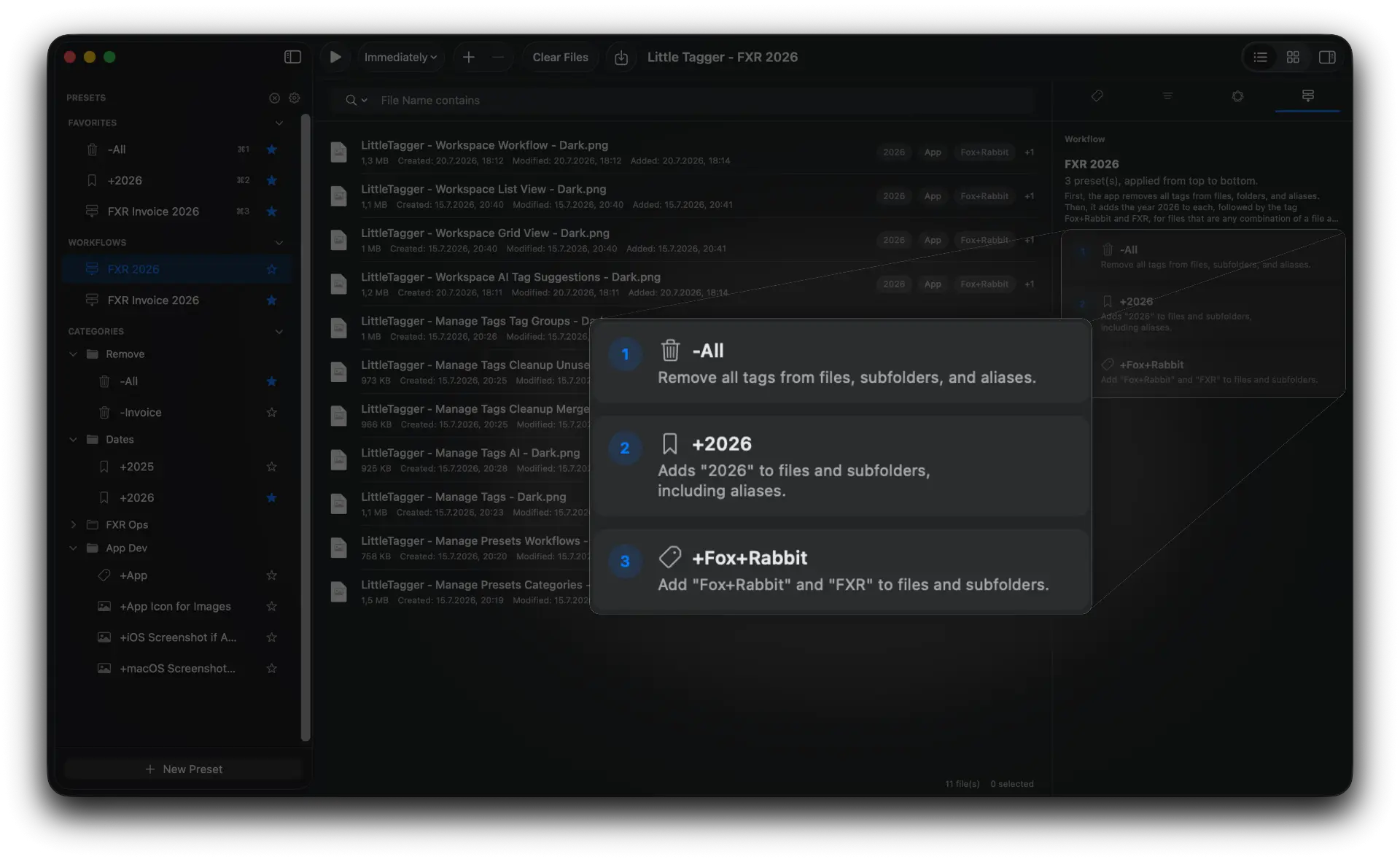
Presets you already trust, each doing one special job.
Ordered, predictable and started by you.
Order, timing and control are the three things that make a tagging routine worth automating.
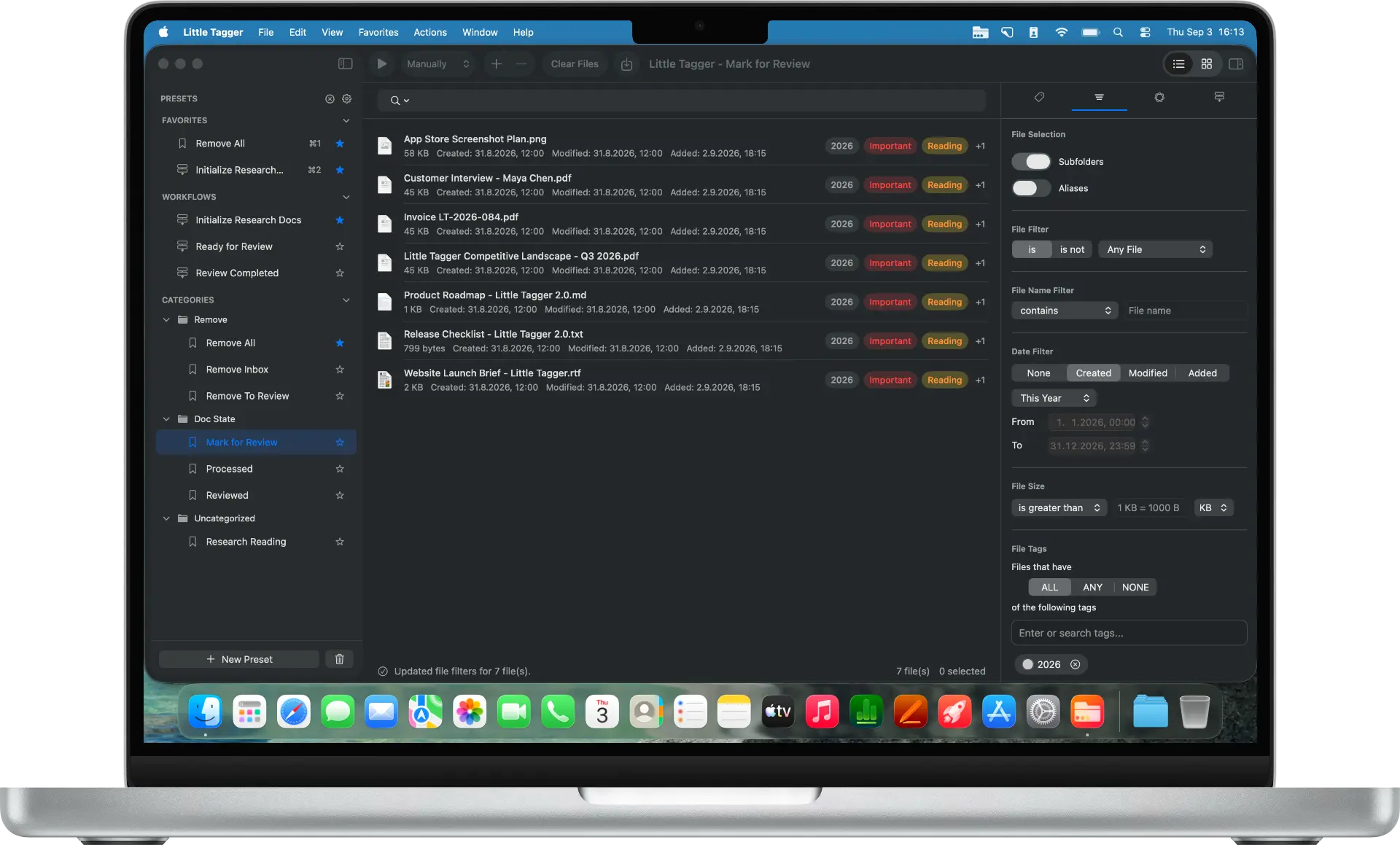
Build from reusable actions. Combine the presets you already use into one repeatable tagging workflow.
Combine the presets you already use into one repeatable tagging workflow.
Little Tagger runs each preset from top to bottom so the result stays predictable.
Little Tagger does not permanently watch your folders. You choose which files enter the workspace and which workflow processes them.
Trigger a workflow manually, immediately, after 3 seconds, or after 10 seconds.
Mark the workflows you use most as favorites and Little Tagger gives them quick keyboard shortcuts. Select and run the whole workflow without searching for it first.
Combine the tagging steps you repeat, keep them in the right order and run the whole process again whenever you need it.
Each preset runs in sequence, so later steps work with the result of the earlier ones.
Run a workflow manually, immediately, after 3 seconds or after 10 seconds when files enter the workspace.
Build workflows from presets you already use. The presets remain available on their own, too.
Favorite the workflows you use most and launch them directly with shortcuts such as ⌘1.
Little Tagger can summarize a workflow for you, so you can understand what it will do before you run it.
Removes the previous status first, then applies the project tags and adds the new review status where it matches.
The same tagging steps can come back with every new batch of files. Running them one by one takes time and makes it easy to miss one.
As a workflow, the whole routine becomes one action. The same steps run in the same order every time.
Tag files in seconds, automate recurring tagging work and take control of your entire tag system. Private, native, built for Mac.

Free for 7 days · macOS 15+ · Apple Silicon