
Tag health at a glance.
Unused tags, tags no longer assigned to scanned files and similar names, gathered in one place.
Cleanup
Unused12 tags
Similar names5 pairs
Not assigned3 tags
See what you have, organize what matters, clean up what no longer belongs and keep your Finder tags manageable as they grow.
Manage Tags is a dedicated environment for the tag system behind your files, across the locations you approve.
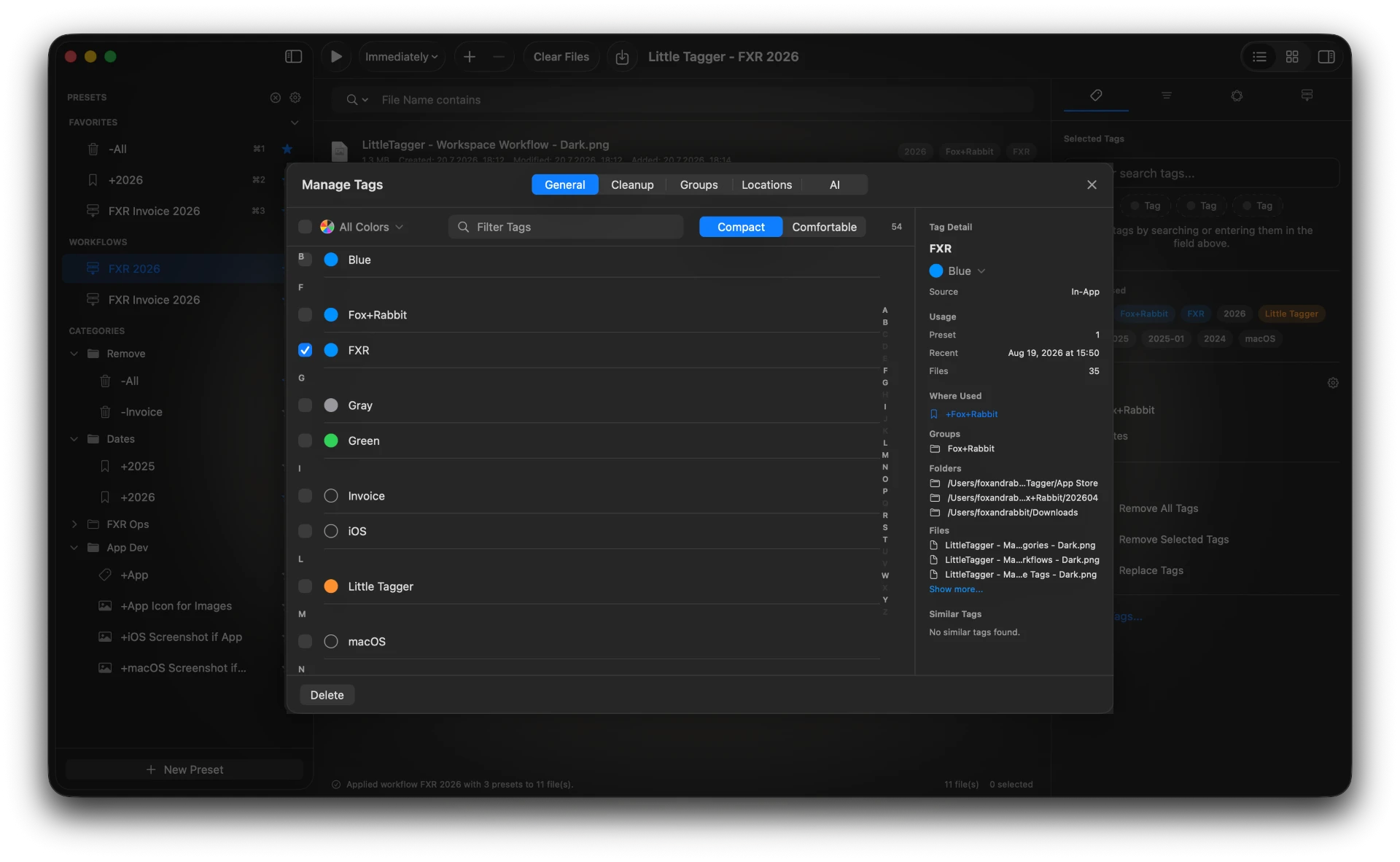
One window covers the whole library, the structure you give it and the cleanup work that keeps it healthy.
See the tags behind your files. Browse tags, inspect usage, see where they appear and understand how your tag system has grown.
Browse tags, inspect usage, see where they appear and understand how your tag system has grown.
Organize related tags into groups so large tag collections stay easier to navigate and maintain.
Identify tags that are no longer assigned to files and decide what should stay.
Surface tags that differ only by spelling, punctuation, separators or closely related wording.
Review suggested canonical tags and consolidate related names across locations Little Tagger can access. Nothing merges until you confirm.
Little Tagger gives the macOS tag system the overview, structure and maintenance tools Finder never offered.
Unused tags, tags no longer assigned to scanned files and similar names, gathered in one place.
Group related tags so a growing library still reads like a system.
Usage counts, the presets that contain it, its group and where tagged files live.
Suggested canonical names show what a merge would produce, so you can decide with context.
Little Tagger manages the macOS tag system instead of replacing it. Groups are the one app-specific layer.
macOS sandboxing means Little Tagger can work only in the folders and volumes you grant access to. You can revoke that access at any time.
Little Tagger helps surface the inconsistencies that accumulate over time and gives you the tools to decide how the system should evolve. Nothing is renamed or merged on its own.
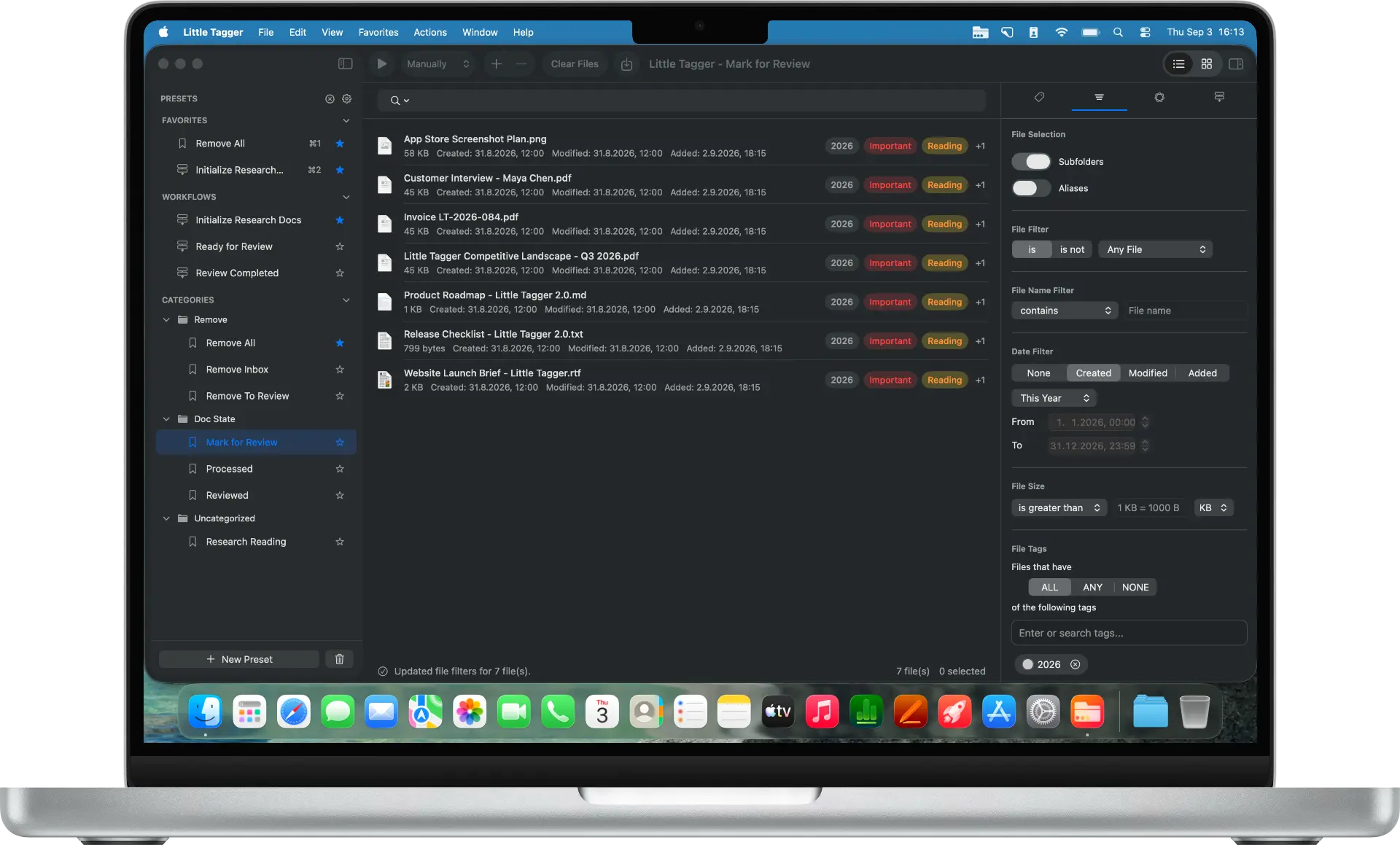
Tag files in seconds, automate recurring tagging work and take control of your entire tag system. Private, native, built for Mac.

Free for 7 days · macOS 15+ · Apple Silicon